Auto Accompaniment Widget
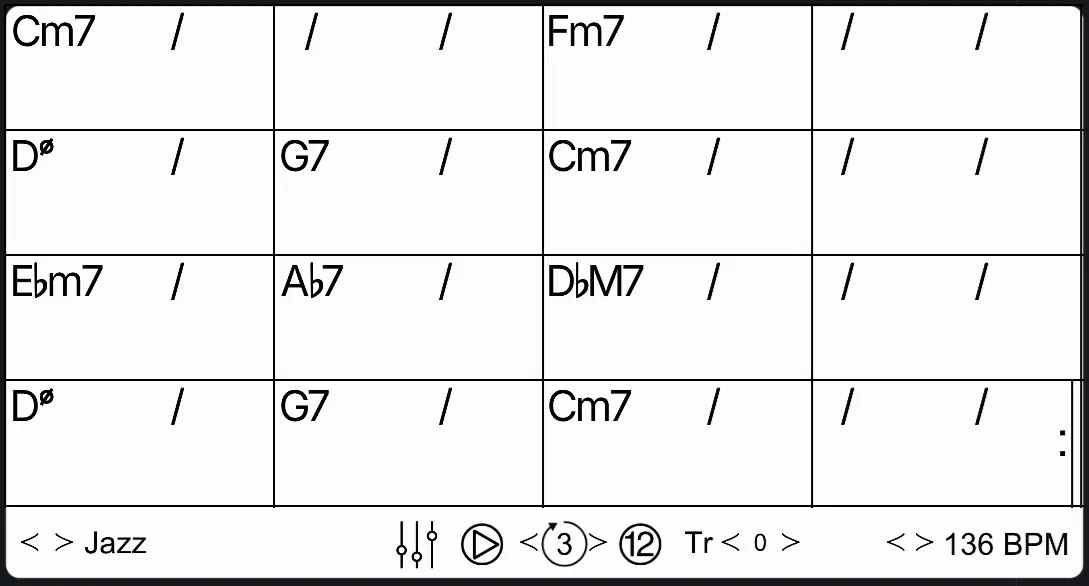
The Auto-Accompaniment widget provides simple bass and drum accompaniments in a variety of musical styles.
Hover over a chord and click it to open the Change Chord dialog. From there, you can either select a new chord manually or hold a chord on your MIDI keyboard for a few seconds to replace it.
While hovering over a chord, you can also use Show Voicings and Show Scales to explore compatible chord voicings and scales for that specific harmony.
You can quickly transpose the progression using the Tr slider. Clicking the 12 button will play the progression through all twelve keys, following a set of predefined key orders.